

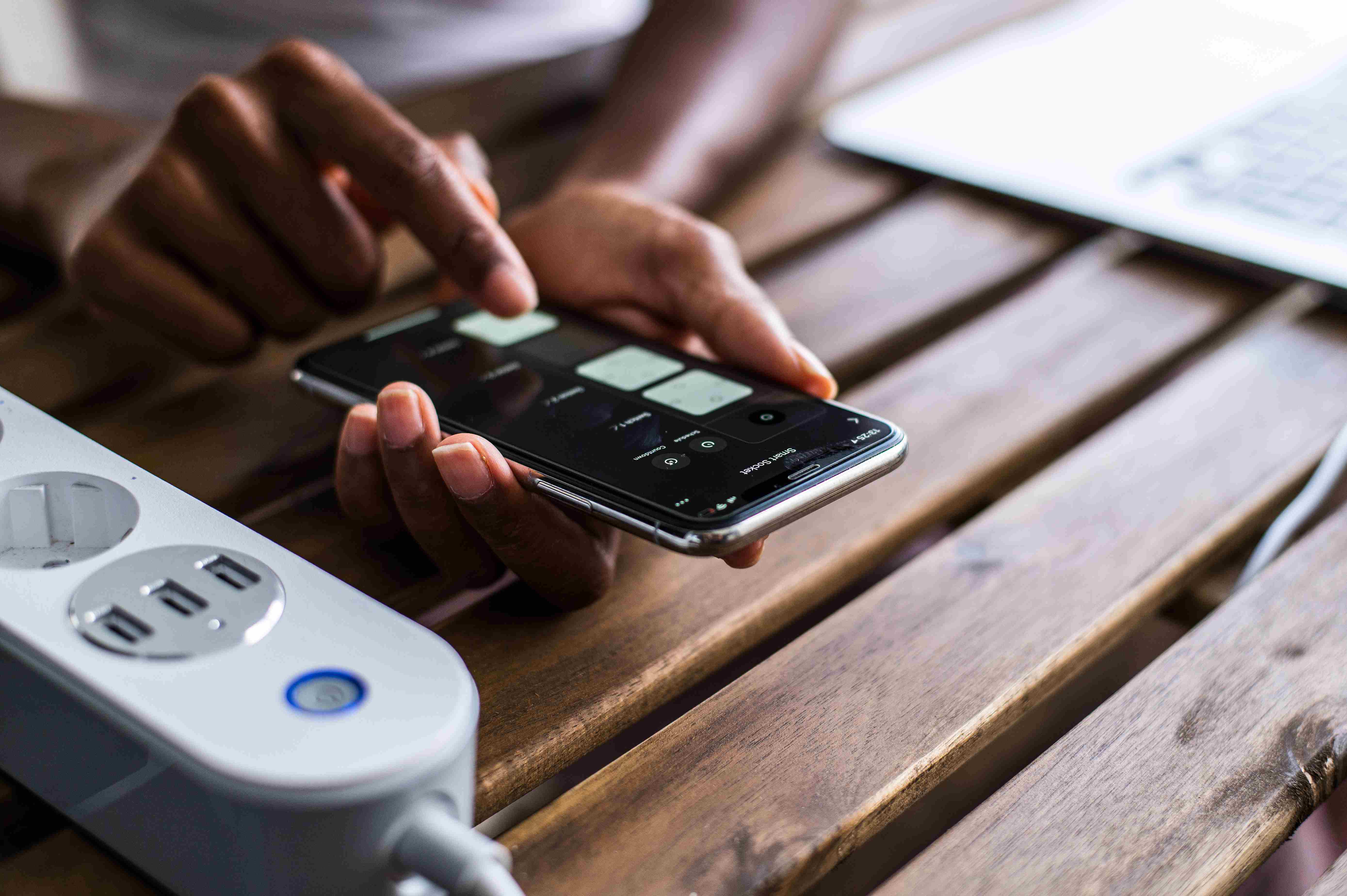
Your iPhone is your lifeline—whether for work, socializing, or entertainment. But if your battery drains quickly, it can be frustrating. iPhone batteries degrade over time, but with proper care, you can extend their lifespan and keep your device running efficiently.
In this guide, we’ll share the best tips to maintain your iPhone’s battery health.
Why iPhone Battery Health Matters:
The iPhone uses lithium-ion batteries, which naturally degrade over time. As your battery ages, it holds less charge, leading to shorter usage times and unexpected shutdowns. Maintaining battery health ensures longer battery life, better performance, and fewer trips to the Apple Store for replacements.
Best Tips to Maintain iPhone Battery Health:
1: Avoid Extreme Temperatures:
iPhones work best in temperatures between 32°F to 95°F (0°C to 35°C). Extreme heat or cold can permanently damage battery capacity. Never leave your phone in direct sunlight, a hot car, or a freezing environment.
2: Enable Optimized Battery Charging:
Apple introduced Optimized Battery Charging to slow down battery aging. It learns your daily charging routine and delays charging beyond 80% until you need it.
How to enable it?
- Go to Settings > Battery > Battery Health & Charging
- Turn on Optimized Battery Charging
3: Avoid Keeping Your Battery at 100% All the Time:
While it’s tempting to charge overnight, keeping your iPhone at 100% for long periods can stress the battery. Instead, try to keep your battery level between 20% and 80% for optimal longevity.
4: Use MFi-Certified Chargers:
Cheap, third-party chargers can cause battery overheating or even permanent damage. Always use Apple-certified (MFi) chargers and cables.
5: Reduce Screen Brightness & Enable Auto-Brightness:
A bright screen drains the battery quickly. Lowering your brightness or using Auto-Brightness helps conserve power.
How to enable Auto-Brightness?
- Go to Settings > Accessibility > Display & Text Size
- Toggle on Auto-Brightness
6: Reduce Screen Brightness & Enable Auto-Brightness:
A bright screen drains the battery quickly. Lowering your brightness or using Auto-Brightness helps conserve power.
How to enable Auto-Brightness?
- Go to Settings > Accessibility > Display & Text Size
- Toggle on Auto-Brightness
7: Keep iOS Updated:
Apple frequently releases software updates that improve battery performance. Always update your iPhone to the latest iOS version.
How to check for updates?
- Go to Settings > General > Software Update
8: Disable Unnecessary Background App Activity:
Apps running in the background consume battery even when not in use.
How to disable background activity?
- Go to Settings > General > Background App Refresh
- Select Wi-Fi or Off to reduce battery drain
Final Thoughts:
Your iPhone battery won’t last forever, but with proper care, you can extend its lifespan and maintain good performance. Avoid extreme temperatures, charge wisely, limit background activity, and keep your software updated. By following these tips, you’ll enjoy a longer-lasting and healthier iPhone battery.
Need Professional iPhone Battery Maintenance? Contact Intellectual Techs!
At Intellectual Techs, we specialize in iPhone repairs, battery replacements, and expert tech support to keep your device running smoothly. If you're experiencing battery issues or need a professional check-up, visit us today!