

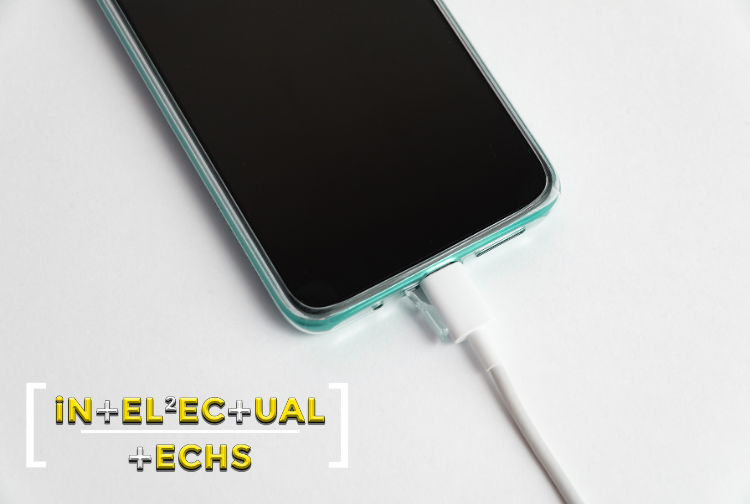
Your iPhone works hard every day—taking calls, streaming videos, running apps, and more. But when it stops charging correctly or you have to jiggle the cable to make it work, there’s a good chance your charging port is dirty. Dust, pocket lint, and debris can easily build up inside, preventing your charger from making proper contact. Let’s go through a safe and simple way to clean your iPhone’s charging port and get it working like new again.
Why Cleaning the Charging Port Matters:
Over time, the charging port on your iPhone can collect debris from pockets, bags, and surfaces. A dirty port can lead to:
- • Inconsistent or slow charging
- • Your phone not recognizing the charger
- • Long-term hardware damage if ignored
Regular cleaning helps extend the life of your device and avoids unnecessary repair bills.
Signs Your Charging Port Needs Cleaning:
Wondering if it’s time to clean? Look for these symptoms:
- • Your phone doesn’t charge unless the cable is held at a specific angle
- • Charging stops randomly
- • Visible dirt or lint inside the port
- • You’ve tried different cables and nothing works
What You’ll Need:
Before starting, grab the following:
- • A flashlight
- • A plastic or wooden toothpick (or a SIM ejector tool)
- • A can of compressed air (optional)
- • An anti-static brush or a soft toothbrush
- • Isopropyl alcohol (90% or higher, optional)
Avoid using metal tools or anything sharp that could damage the tiny pins inside the port.
Step-by-Step: How to Clean It:
1. Turn Off Your iPhone:
Always power down your device to avoid any electrical issues while cleaning.
2. Inspect the Port:
Use a flashlight to check inside the charging port. You might see lint, dust, or gunk that’s stuck deep inside.
3. Gently Remove Debris:
Use a plastic toothpick or SIM tool to very gently scrape along the edges and bottom of the port. Be careful not to press hard—those pins inside are sensitive.
4. Blow Out the Dust:
If there’s anything sticky, dip a corner of a soft cloth or brush in a small amount of isopropyl alcohol. Lightly clean the inside—but don’t soak it or pour alcohol into the port.
5. Optional: Clean Sticky Residue:
If there’s anything sticky, dip a corner of a soft cloth or brush in a small amount of isopropyl alcohol. Lightly clean the inside—but don’t soak it or pour alcohol into the port.
6. Test Your Charger:
Turn your phone back on and try plugging in the cable. If the cleaning worked, it should charge smoothly without any wiggling.
What Not to Do:
- • Don’t use metal tools like paper clips—they can short-circuit or damage the port
- • Don’t spray liquid or use water
- • Don’t overdo the air pressure, or you might push debris deeper
Prevention Tips
- • Use a case with a port cover
- • Avoid carrying your phone in linty pockets
- • Clean the port once every few months for best results
Still Not Charging?
If you’ve cleaned the port and your iPhone still won’t charge, the issue might go beyond just dust or lint. Try using a different Lightning cable or power adapter to rule out hardware faults. If the problem persists, it’s time to seek professional help.
At Intellectual Techs, we specialize in iPhone repairs—including charging port cleaning, replacements, and diagnostics. Our expert technicians in Douglasville and Riverdale can quickly identify the issue and get your device back to full functionality. Don’t let a charging problem slow you down—bring your iPhone to Intellectual Techs for fast and affordable repair service you can trust.
Conclusion:
Cleaning your iPhone’s charging port is easy and takes just a few minutes. With simple tools and gentle handling, you can restore your charging performance and avoid unnecessary frustration or repairs. Keep it clean, and your phone will keep running strong.